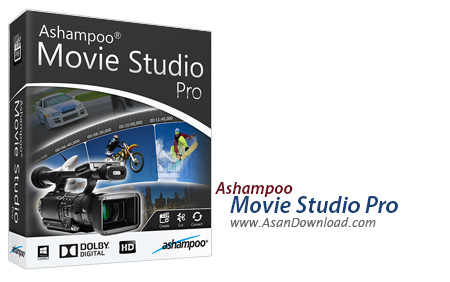
No matter if you typically record videos with a digital camera or a mobile phone, chances are you want to enhance it a little bit more until you are satisfied with the result. One of the software solutions you could use is called Ashampoo Movie Studio Pro.
It might take some time until the application is downloaded and installed onto your PC, due to the large size of the installer, so you need to be patient and wait until the process is complete.
The interface of the application is user-friendly and intuitive, so that you can easily start working on your project: you can either create a blank one or follow the app’s wizard, you can remove ads from your videos or you can convert files.
You need to add your videos, then select the theme you like best, and considering Ashampoo Movie Studio Pro offers a preview for each of the styles, you are bound to find the one that is the most suitable for your necessities.
The next step is to select the background audio and the transition effects, along with the text messages you can overlay on top of the videos as titles and subtitles - you can further customize the type, size and color of the fonts. At this point, it is also possible to choose additional videos you want to integrate within your project.
When it comes to selecting the output format, you can also specify the resolution of the target video, as well as choose its location on the computer or the disc where you want to burn it.
You can rely on Ashampoo Movie Studio Pro to quickly remove annoying commercials from your videos or convert them to other formats, so you can play them on your portable devices without any issues. However, you need to keep in mind that you are expected to purchase a license if you want to use the application past its trial period.