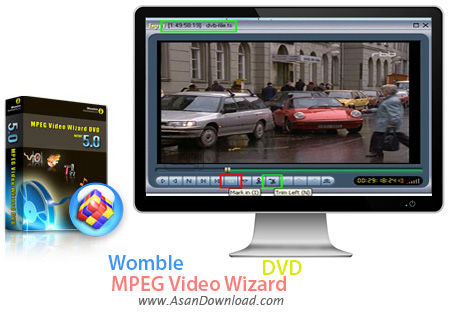
If video editing is something you’ve always wanted to try, then you should get a proper tool. MPEG Video Wizard DVD is an advanced program designed to help you create complex videos.
The software sports a nice interface, with an intuitive layout. Both the input and output videos can be viewed in a side-by-side window. The UI also includes the editing area that incorporates fields where you can add videos, photos, music files and voice recordings.
The software allows you to add as many videos, images or tracks as you want. You can insert any of the transition effects available, such as dissolve, fade, center split, lens, gauze or blend. Also, for audio files, you can add cross fade and mix effects.
Other filters can be applied over the videos and images. Thus, you can adjust the contrast and brightness, change the color balance and the dynamic brightness, fade, flip, invert, solarize or sharpen your files.
The volume of the videos can be muted completely. In this case, if you’ve added a music file, you should be able to listen to that one instead.
Further settings can be made when saving the file. You can define an output location and a file format and choose to convert only a certain part of the file, instead of the entire video. The MPEG encoder, resolution, frame rate and bit rate can also be selected. Audio settings can also be made.
MPEG Video Wizard DVD supports batch conversion, which means you can process multiple projects simultaneously and apply the same settings to all of them. You can also create professional looking DVDs that can hold both NTSC and PAL movies without video re-encoding.
All in all, MPEG Video Wizard DVD is a complex program that can complete numerous tasks. In spite of the intuitive interface, the software wasn’t created for inexperienced users, as it can prove quite difficult to handle.