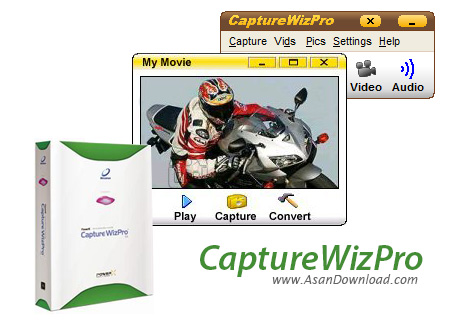
CaptureWizPro captures any part of your PC screen, even tricky items like tool tips, drop-down lists, screen savers and video. Three patent-pending innovations (speed capture, selection tweaking, and indexed scrolling) make it fast and easy.
A new scroll capture tool captures web pages larger than the screen, as well as most other scrolling areas, by automatically scrolling the material vertically and/or horizontally. Portions of scrolling areas can also be captured, like one column of a news.
An improved speed capture tool grabs rectangular areas by dragging the mouse, as well as whole screen objects (like windows, dialogs and lists) with one click. There\'s also a tool for creating videos and a frame for composing shots to specific dimensions.
Start captures from the new capture bar, which stays out of your way at the edge of your screen. (Or, press a hot key or click the taskbar icon.) High contrast tools that are visible over any background guide you through the three simple steps.
As you\'d expect, captured content can be saved to sequentially numbered files (GIF, JPEG, PNG, or BMP), printed (with optional fit-to-page), or copied to the Windows clipboard for pasting into documents. CaptureWizPro can also send captures to your email program, your image editor, or your screen as a sticky note.
Or, do nothing with the image - and come back to it later via the thumbnail viewer in the main window. If you need it, buttons and hot keys can be reprogrammed to work the way you want. Learn as you go from the daily tips, interactive demos, printable guide, and detailed help file.
Use CaptureWizPro every day to explain, remember and organize. Add screenshots to your documents. Print out checklists from screen lists. Markup screenshots with changes and suggestions. Keep information on screen from dialog boxes and tool tips. Save pictures of settings after things are working.