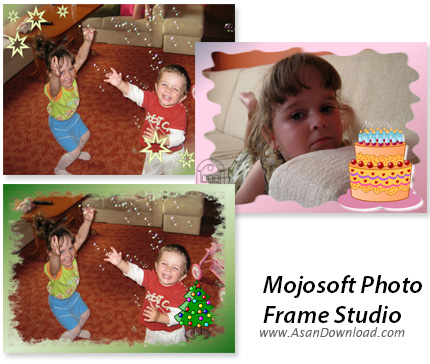
Program PHOTO FRAME STUDIO has been designed to edit and decorate digital photographies. Thanks to the program each picture will look different and operating our program will be a real pleasure for you. We offer over 200 frames and what is more, every one of them can be modified by the options which are contained in our program.
The interface of the program is user-friendly and it has been designed in such a way that evryone can operate it without any problems.
You can decorate your picture using a few instructions by means of adding to it a frame, a mask, the background, a shade or a text.
Using all these functions and effects and taking into account the fact that we can use all the options simultaneously including the change of colour of each layer, the change of saturation and contrast, you can undoubtedly claim that each picture will be different.
You can also design your own composition . It can be done thanks to the tools which enable us to add various elements such as figures clip-parts or striking texts. You can also calibrate pictures, so you can cut them, zoom to the view that suits you and get rid of the red-eye effect.
Thanks to the program you can print pictures using your printer as well as you can save ready photos in high quality mode in order to send them to photo-labs.
Moreover, you can also save pictures in lower quality mode so that they can be published in the internet.